
Booking Leads was born from an unsolved problem in my own business and by extension for my clients, not from market research.
My booking page was getting visitors. Traffic was paid for, through advertising and hours of writing. And the calendar remained half empty.
The dashboard, for its part, displayed a single number : the month’s appointments. It went up, it went down. It explained nothing.

What you will find here
The day I looked at the right number
I started by counting the visits to the page that hosted the calendar. Not site visits: those of the calendar page.
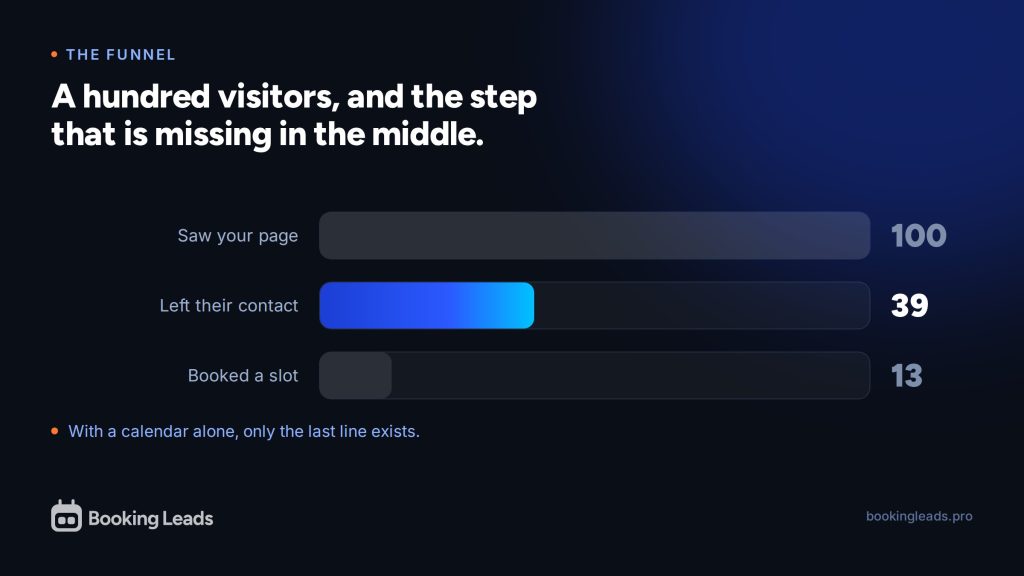
The ratio between this number and the number of appointments made me uncomfortable. For every 100 people who reached the page, about ten followed through.
The others had opened the page, looked, and closed it. They didn’t exist anywhere. Neither in the calendar, nor in the contact database, nor in a file.
This is what I call invisible loss. Invisible because it doesn’t appear on any screen. A calendar shows what happened. It never shows what didn’t happen.
And this loss has a price, which is already on your invoices. Every visitor who came through advertising, SEO, or a video cost something. Those who leave without leaving their name cost exactly as much as the others.
The question nobody asks their calendar
I opened the tool I was using, Fluent Booking, then I tested many others : Calendly, TidyCal, Cal.com, Amelia, Bookly. I actually believe I’ve tried more than fifty online appointment scheduling tools. And always the same observation.
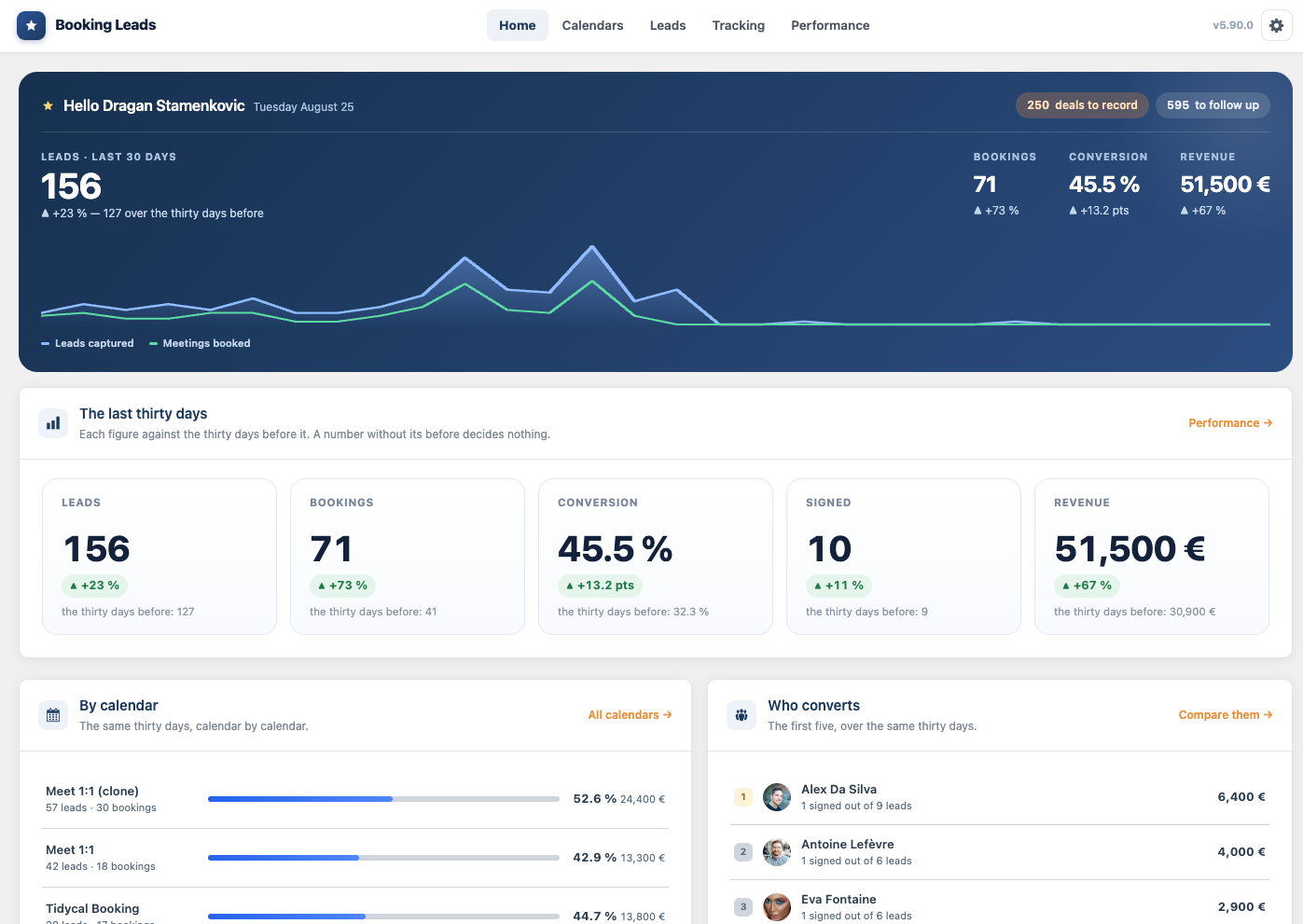
I was looking for a very specific screen : the one that counts people who came without booking. This feature didn’t exist anywhere, neither in a WordPress plugin nor in an online service. With the possible exception of iClosed, which came closest to my needs. But it didn’t tick all the boxes. iClosed is a SaaS, and I didn’t want to entrust my sensitive data to a third party, not to mention that it was hosted I don’t know where in the world. And what about the price, high and rising quickly as soon as you manage a sales team ? The bill adds up very quickly. But beyond all these factors, I couldn’t do what I wanted, and it complicated my sales organization even more, built within the WordPress ecosystem.
There was a clear direction to take, but above all to understand. Why don’t booking systems have this feature ?
It’s not an oversight, and it took me a while to understand it. It’s their very definition. These tools were written to confirm an appointment, never to create one.
A booking tool assumes the decision has already been made. Only the logistics remain : what time, what time zone, what video conference link. So it displays the grid immediately, because that’s the only thing left to choose.
The visitor hasn’t decided anything yet. They compare, they hesitate, they check if Thursday works out. They are not yet your customer.
That’s the real issue, and it can be summed up in five words. The questions are being asked backwards.
Why Booking Leads and not just another calendar
The obvious path was to write an eleventh calendar, better designed than the other ten. I dismissed it in a few days. That doesn’t mean Booking Leads will never host a native calendar. But why remake a booking plugin, when many already exist, and are of very high quality?

These tools are good. Calendly has years of adjustments behind it. Amelia manages entire clinics with several practitioners. Fluent Booking speaks to an entire ecosystem. You had no reason to wait for me to catch up. They are installed on millions of websites.
Above all, their flaw isn’t in what they do. It’s in the order. And correcting an order doesn’t require rewriting everything: it requires putting something in front.
This is the product’s founding decision, and it explains almost everything else. Booking Leads is a WordPress plugin that operates before the calendar you already have, then hands over to it.
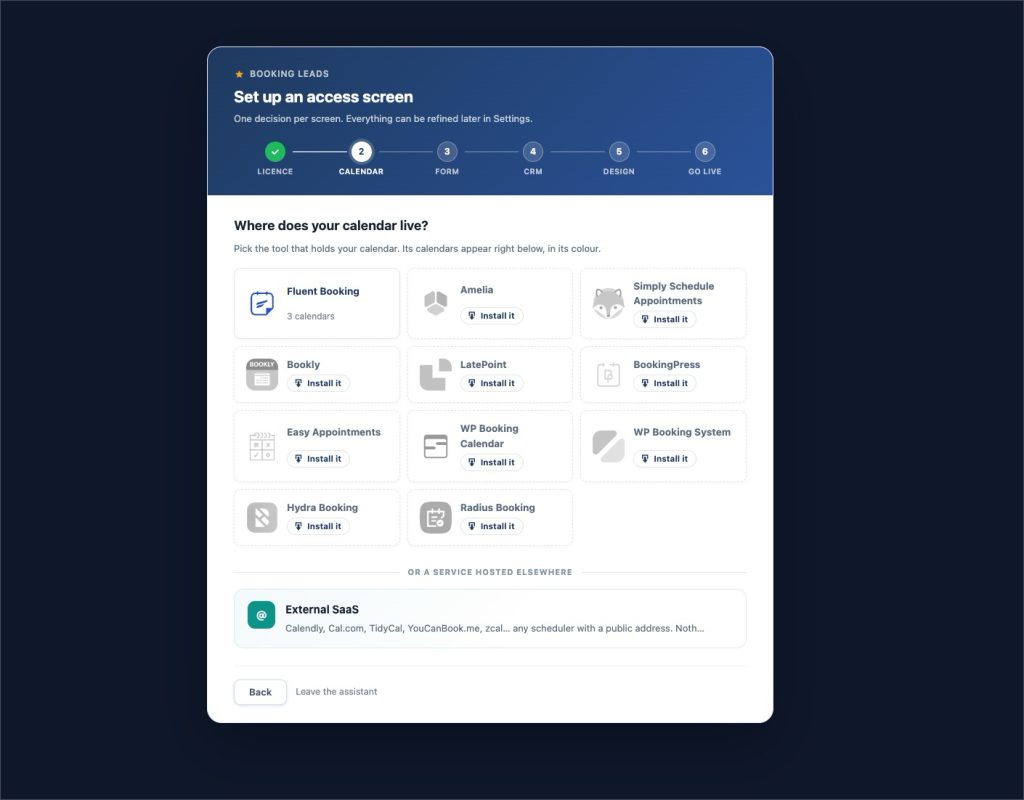
In Booking Leads, more than ten WordPress booking plugins are recognized, as well as online-hosted schedulers. Your schedules, confirmation emails, video conferences, and payments continue exactly as before.
What it is, in concrete terms
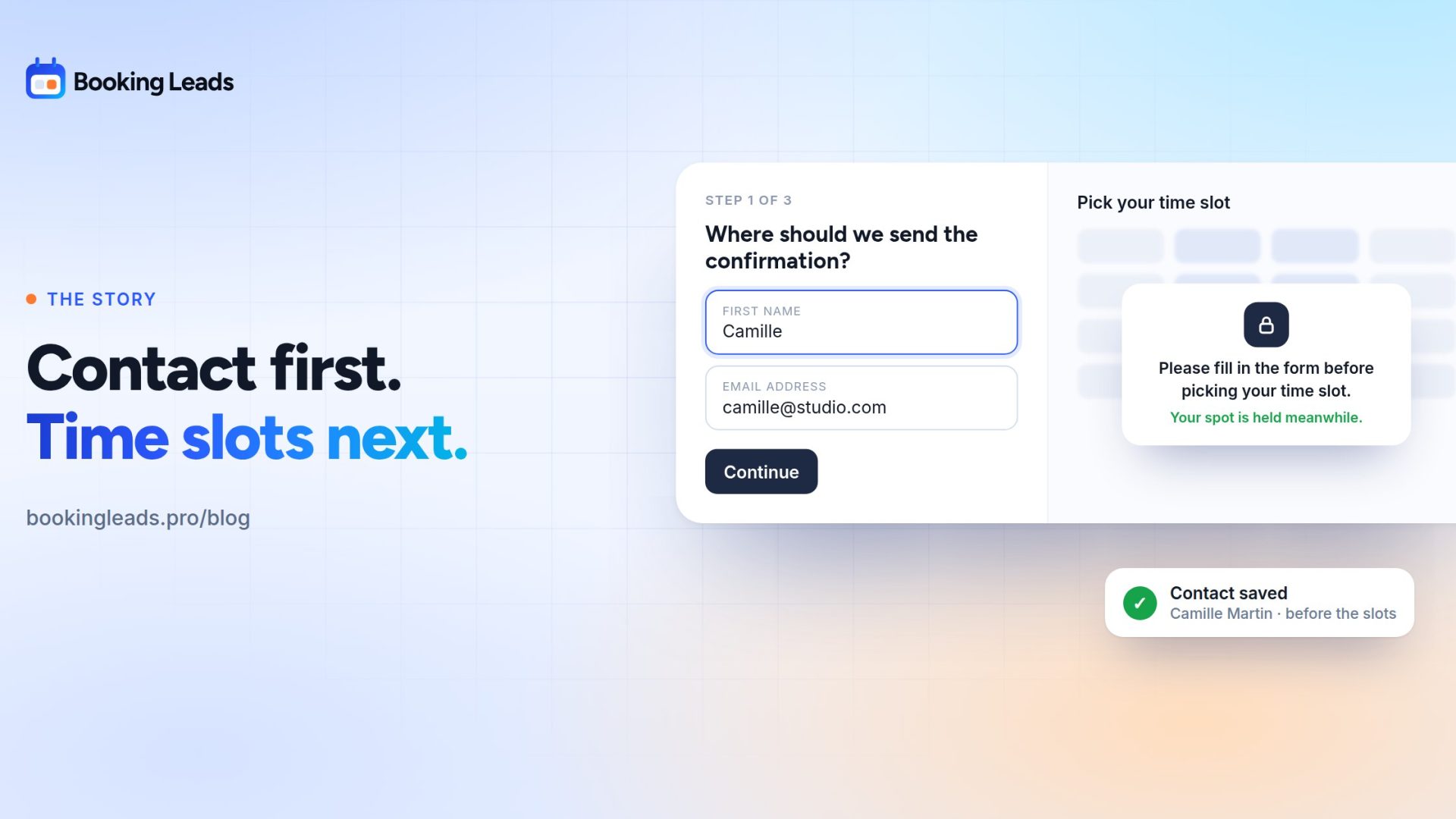
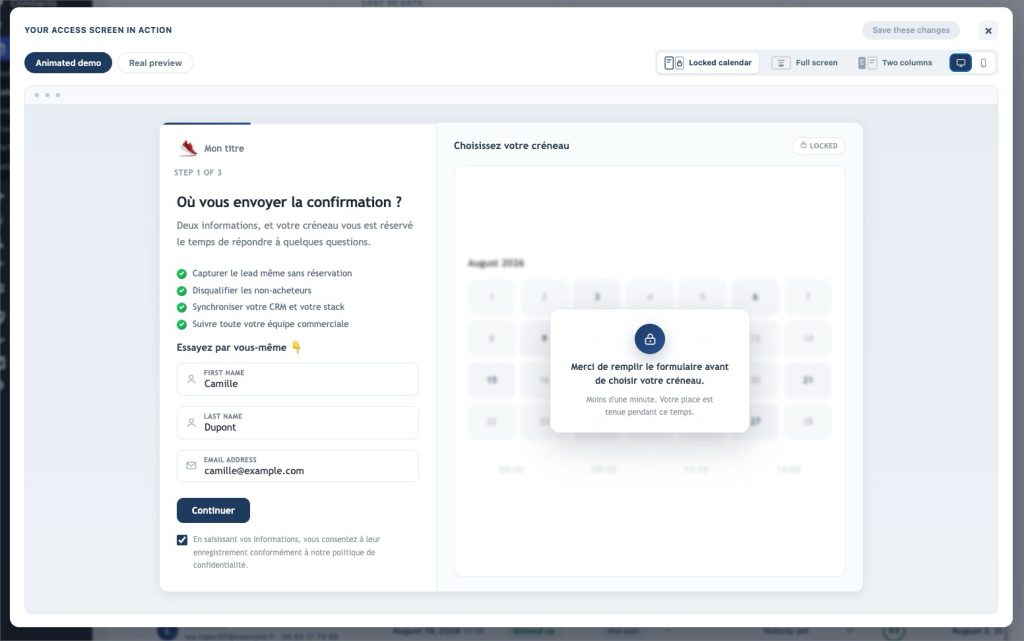
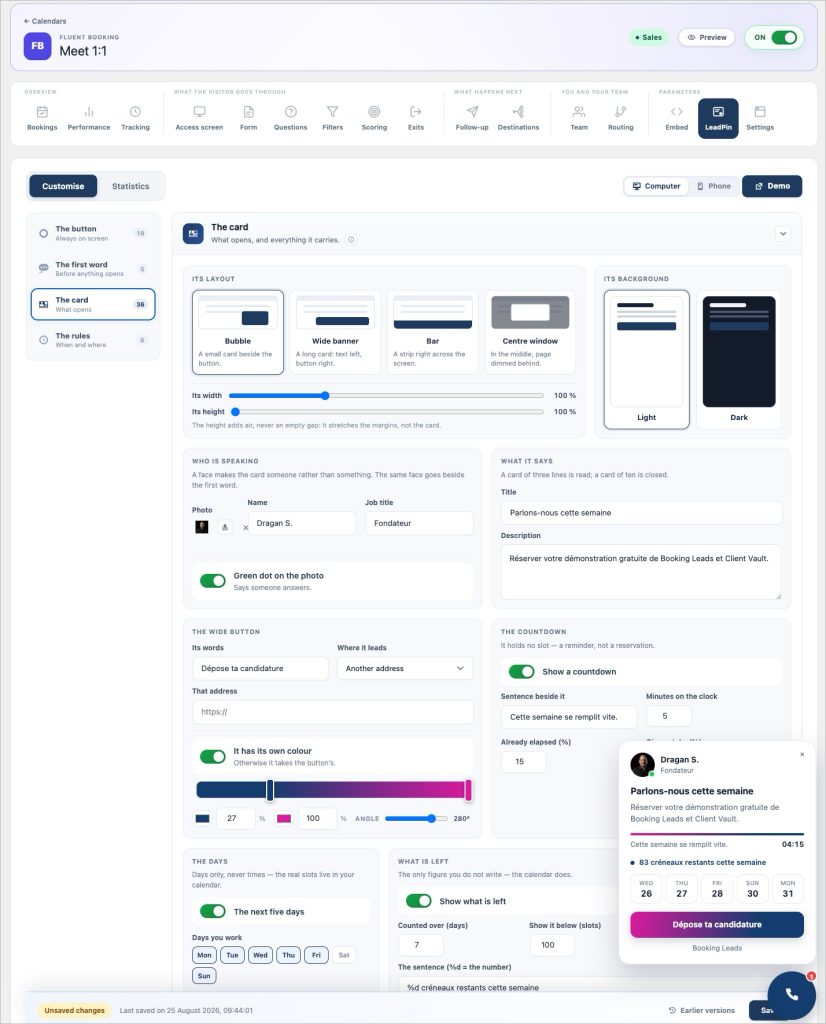
The visitor first encounters an access screen. Their name, email address, and two or three short questions if you wish to ask them. The time slots then open up.
Four things come out of this inversion.
- The safety net — those who give up at the grid have already left you their contact information. They then receive a follow-up written by you, sent automatically.
- Lead screening — your criteria decide who sees the grid. Your time goes back to the people who buy.
- Matchmaking — in a team, the file is sent to the right salesperson based on the responses, even before the calendar is displayed.
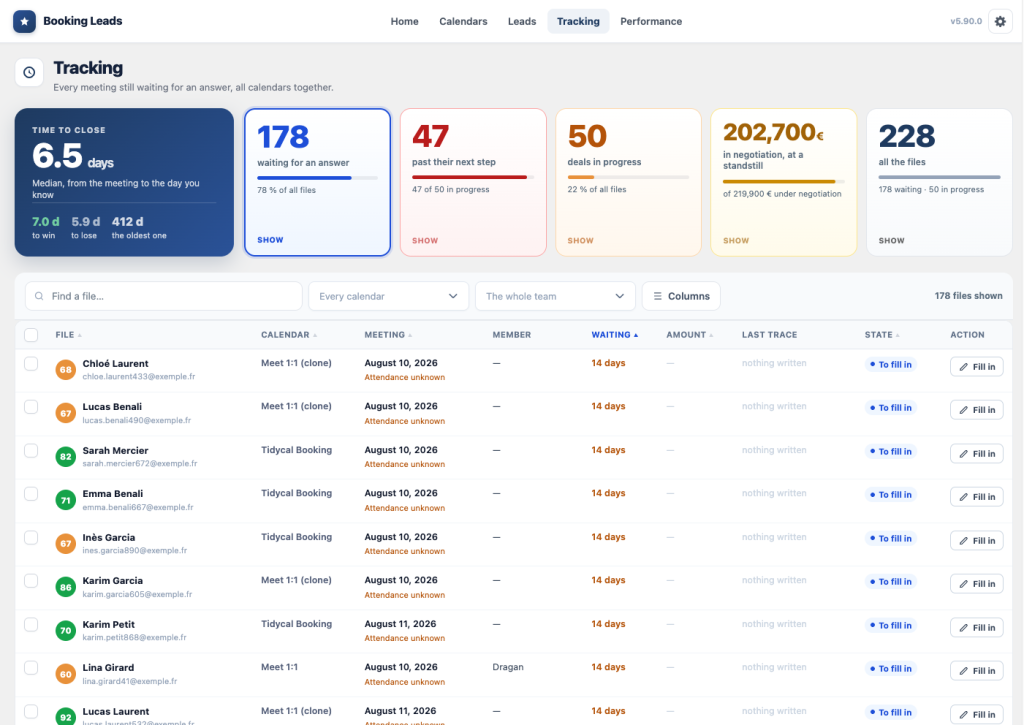
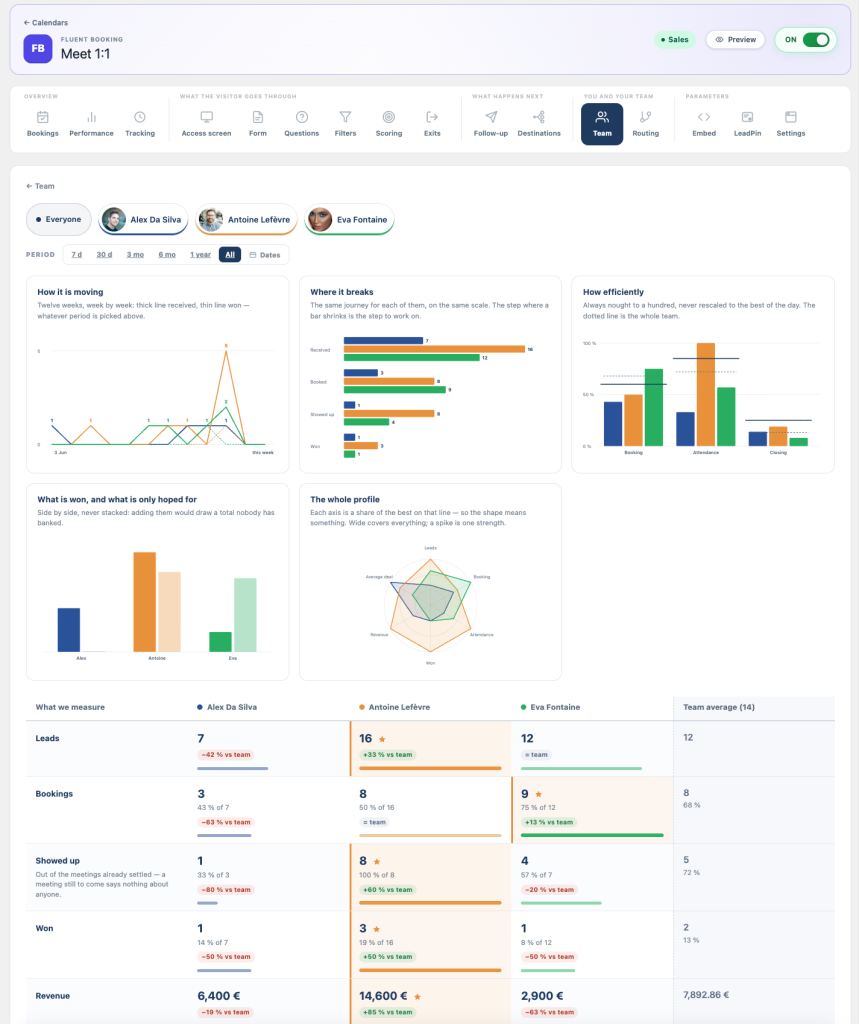
- The control tower — the funnel shows the step where people stop, and tracking links each appointment to the amount of revenue it generated.
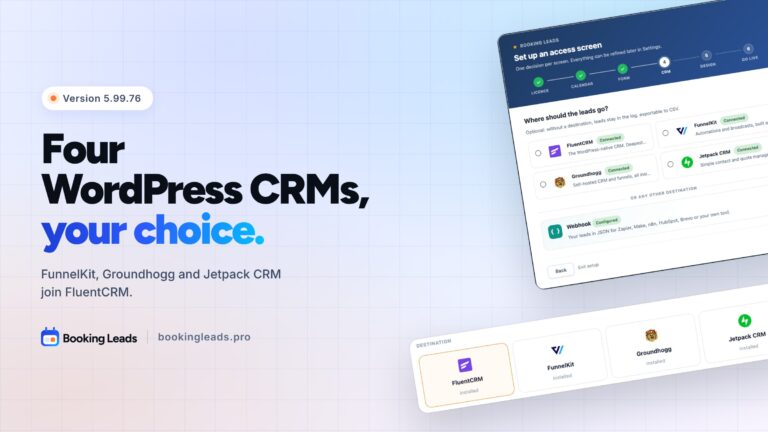
Setup takes six steps, and a few minutes are enough to configure everything. You designate the existing calendar; you don’t install anything new.
Who I designed it for
Two profiles, and the product was tailored for them at every decision.
The one selling via video conference. Consultant, coach, trainer, closer, consulting firm, therapist, etc. They use their calendar as a source of conversion. They buy traffic to a booking link, and every appointment given to someone outside the target is an hour taken away from their billable work.
The WordPress agency. It equips clients who already have a calendar and won’t change it. The same layer is applied to a site using Amelia, another using Fluent Booking, and a third using Calendly: only one tool to learn for an entire fleet. Setup, training, and monthly check-ins are billable, and white labeling puts the agency’s name in place of Booking Leads.
The product targets sales where an appointment is highly valuable. For a one-minute booking with a low average basket, one extra question would cost more than it yields.
Why it lives on your site
A technical choice was made very early on, and it is in reality a choice of principle.
Captured contacts live in the database of your own WordPress site. On your hosting, in your country, under your backup. No publisher has access to it, myself first and foremost.
The reason is simple to state. Your prospects are your most valuable asset ; they shouldn’t be tenants elsewhere. The day you stop paying for an online service, you keep at best an exported file — without the history, without the links between records, without the settings.
The business model follows the same logic. Booking Leads is a one-time purchase, and the price follows the number of sites, never the number of sales representatives. Recruiting costs nothing more.
Where to start
If you were to remember only one thing about Booking Leads, let it be this. Count the visits to the page that hosts your calendar, then divide your appointments by that number.
This ratio is the starting point for everything else. It requires no purchase, and it often changes the way you look at your calendar’s performance.
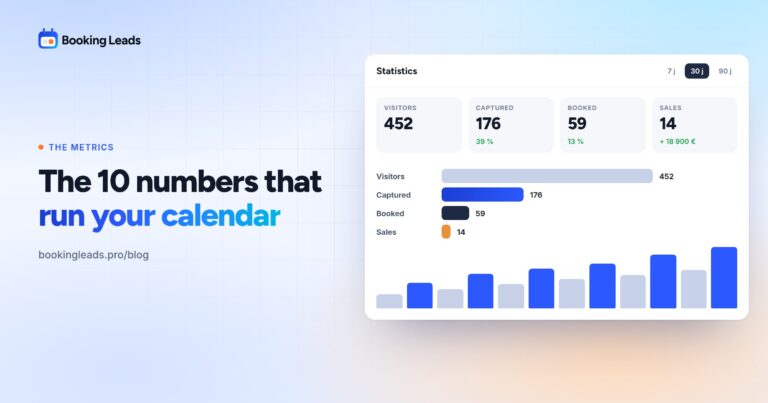
Next, the calculator translates this ratio into euros, with your own data. An example: the capture rate it uses is 39 contacts for 100 visitors, compared to 13 bookings. With identical traffic and an identical budget, that makes three times more people you can sell to.
The demonstration shows the complete journey in a few minutes, screen by screen. And the founder offer opens up 50 spots, with a one-time lifetime payment, including team accounts from the very first site.
What I’m asked about the project
Who is behind Booking Leads?
My name is Dragan Stamenkovic. For 23 years, I have been helping professionals go digital and transform their operational chaos into a results machine. I design and market SaaS solutions and WordPress plugins, including Client Vault. Design decisions are documented and fully owned, including those that set aside expected features.
Why a WordPress plugin rather than an online service?
So that contacts remain in your database, on your own hosting. An online service would have been easier to sell, and it would have turned your prospects into data hosted by a third party.
How is this different from a form placed before the calendar?
A form records a response. Here, the same input serves four purposes: keeping the contact even without a booking, deciding who accesses the time slots, designating the right point of contact, and feeding the measurement funnel.
Who is Booking Leads primarily for?
For professionals who sell via video conferencing with high-ticket offers, and for WordPress agencies that equip multiple clients. More broadly, any company that sells through a booking system should look into their lead conversion.
What is the link with Client Vault?
Booking Leads is a brand of Sdravobiz, the publisher of Client Vault. Both products share the same requirement: the client’s data lives on their own hosting, and the publisher does not access it.
How do I calculate my current booking rate?
Divide your appointments for the month by the number of visits to the page hosting the calendar. This page alone, not the entire site. This ratio is the starting point for the entire process.
Where to start when discovering the product?
Start with the homepage calculator, using your own figures, then follow the demonstration that walks through the journey screen by screen. Installation comes after and takes only a few minutes.