
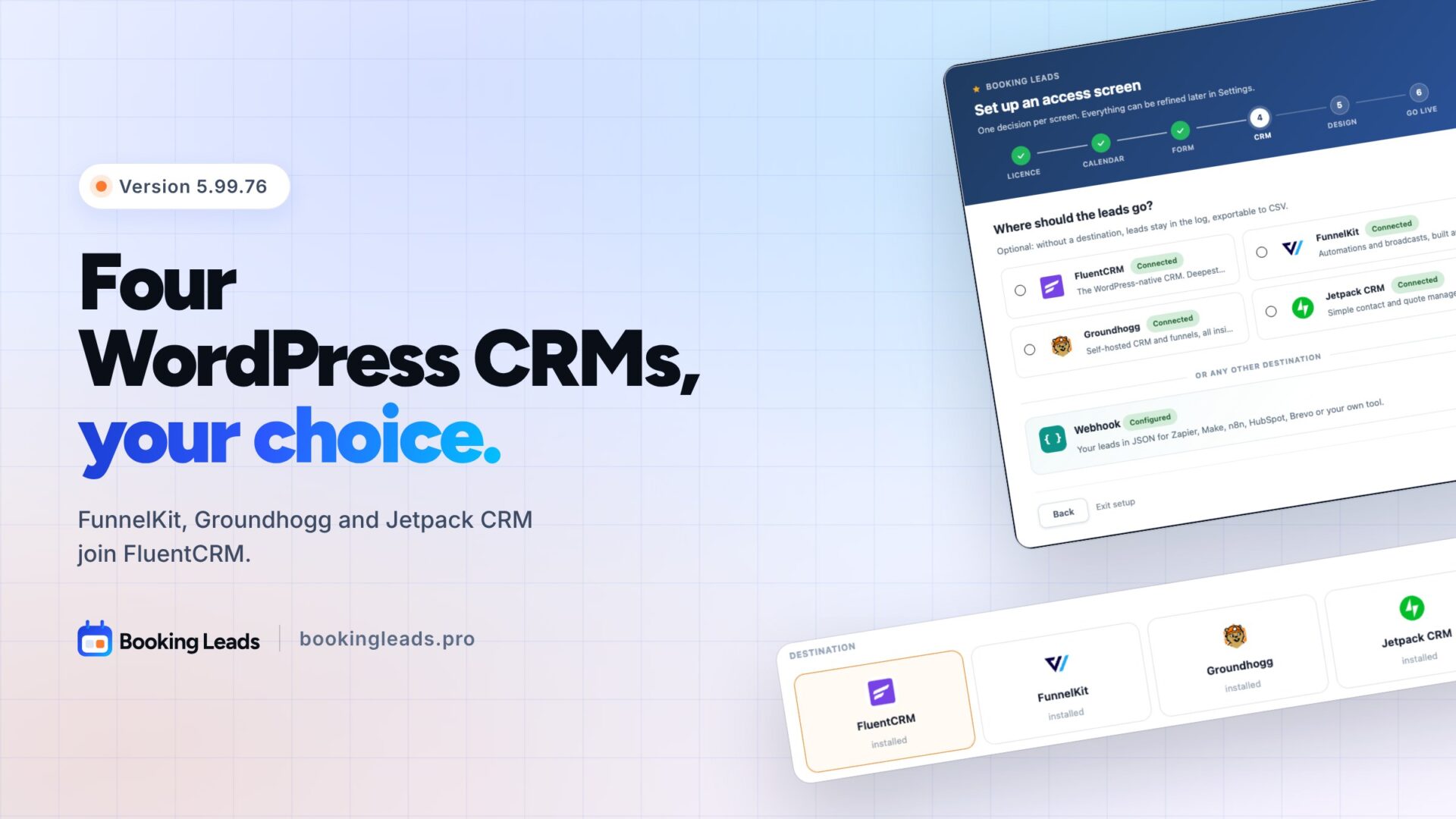
FluentCRM, FunnelKit, Groundhogg, Jetpack CRM. Four CRMs for WordPress.
With version 5.99.76, Booking Leads supports them all.
You keep the CRM you know. Your leads arrive qualified, with their tags and their answers.
In this release
FunnelKit, Groundhogg and Jetpack CRM join FluentCRM
In your calendar’s Destinations tab, three new tiles are waiting for you.
One click on your CRM, and every new lead gets its own contact there.
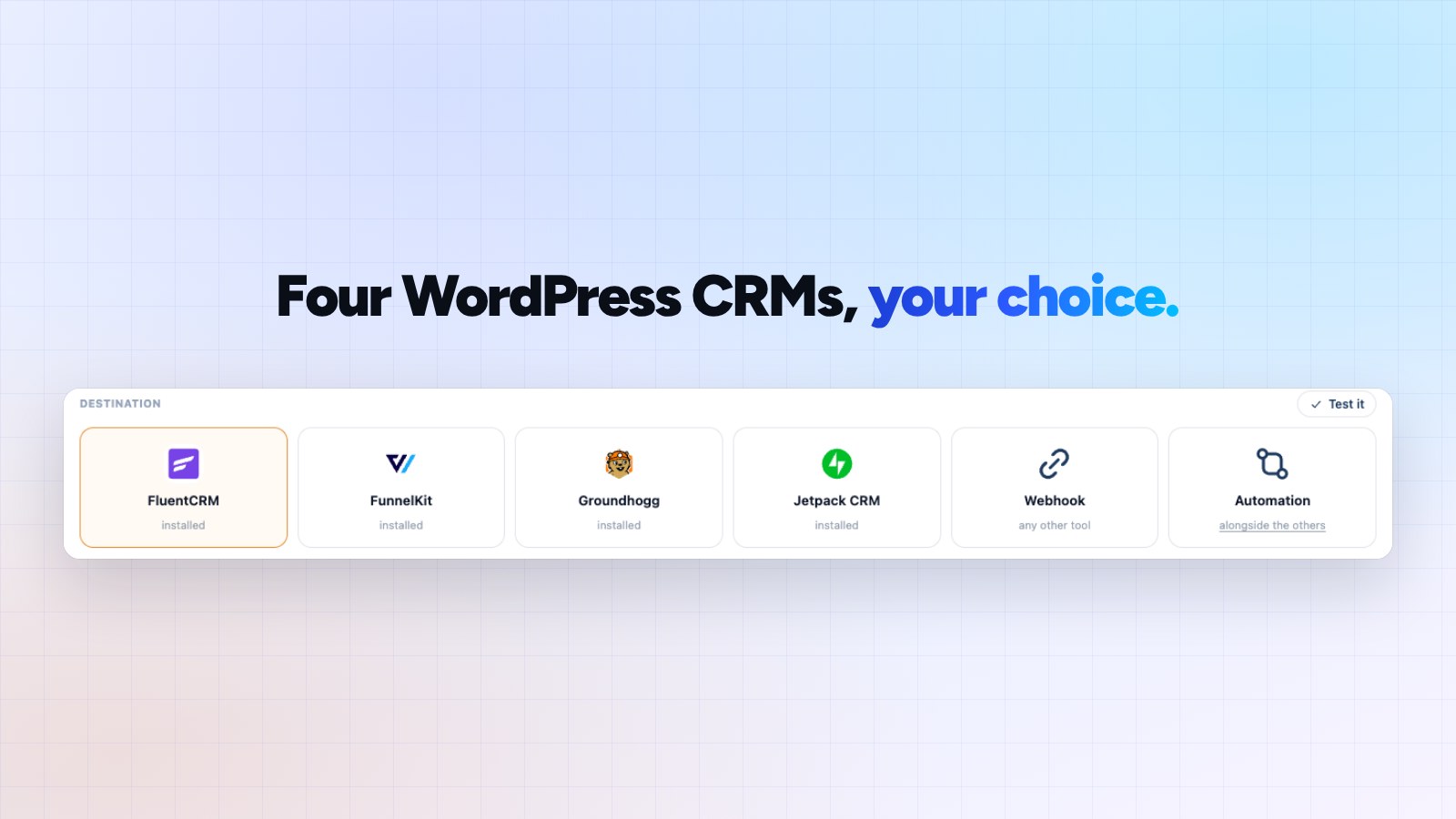
Each lead arrives with their name, email and phone. They get the tags you picked. With FunnelKit, they also join your lists.
The answers to your questions fill the fields you choose in your CRM. With FluentCRM, Groundhogg and Jetpack CRM, a qualification note sums them up on the contact record.
Using another tool? The webhook feeds it, as before.
Your CRM, picked from setup
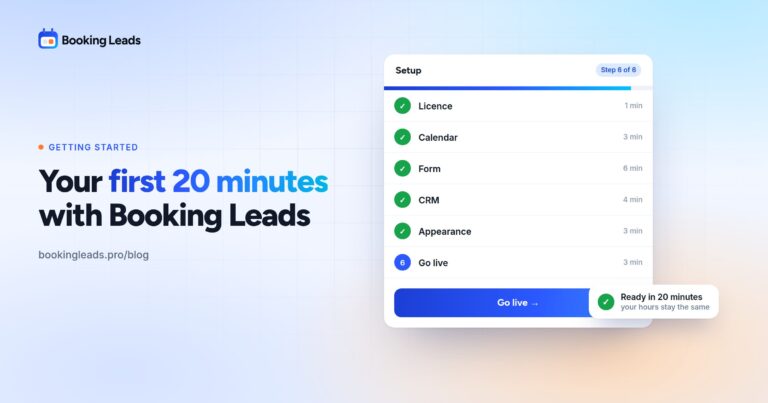
The setup wizard recognizes the CRMs installed on your site.
You check yours, then your tags. Missing a tag? You create it without leaving the wizard.
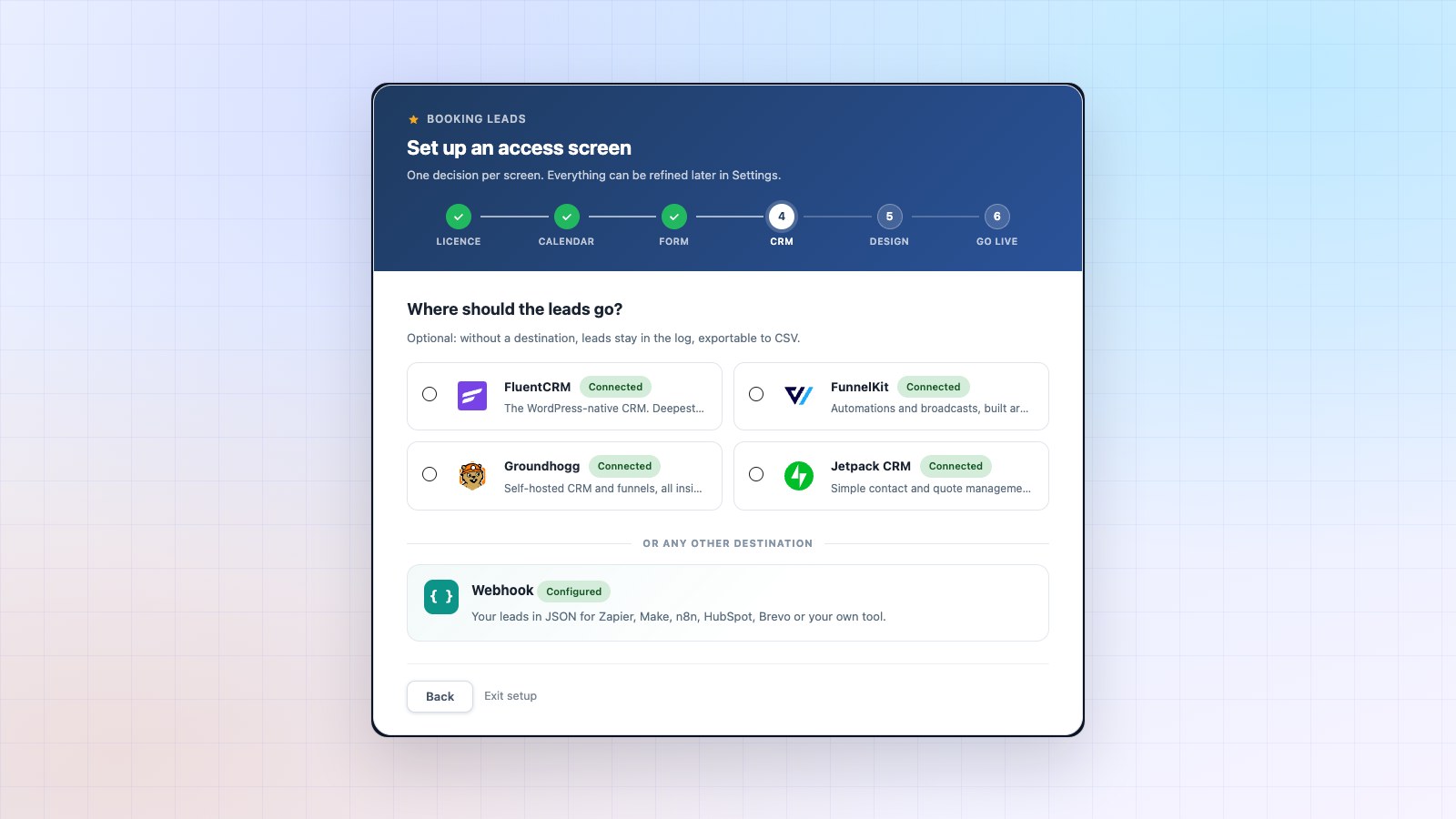
With FluentCRM and FunnelKit, the wizard also offers your lists.
The right rep, all the way into your CRM
Booking Leads hands each lead to the right member of your team.
With Groundhogg and Jetpack CRM, that member also becomes the contact owner. Your rep finds their leads right in their CRM.
Handing the lead to another member? The owner follows, on its own.
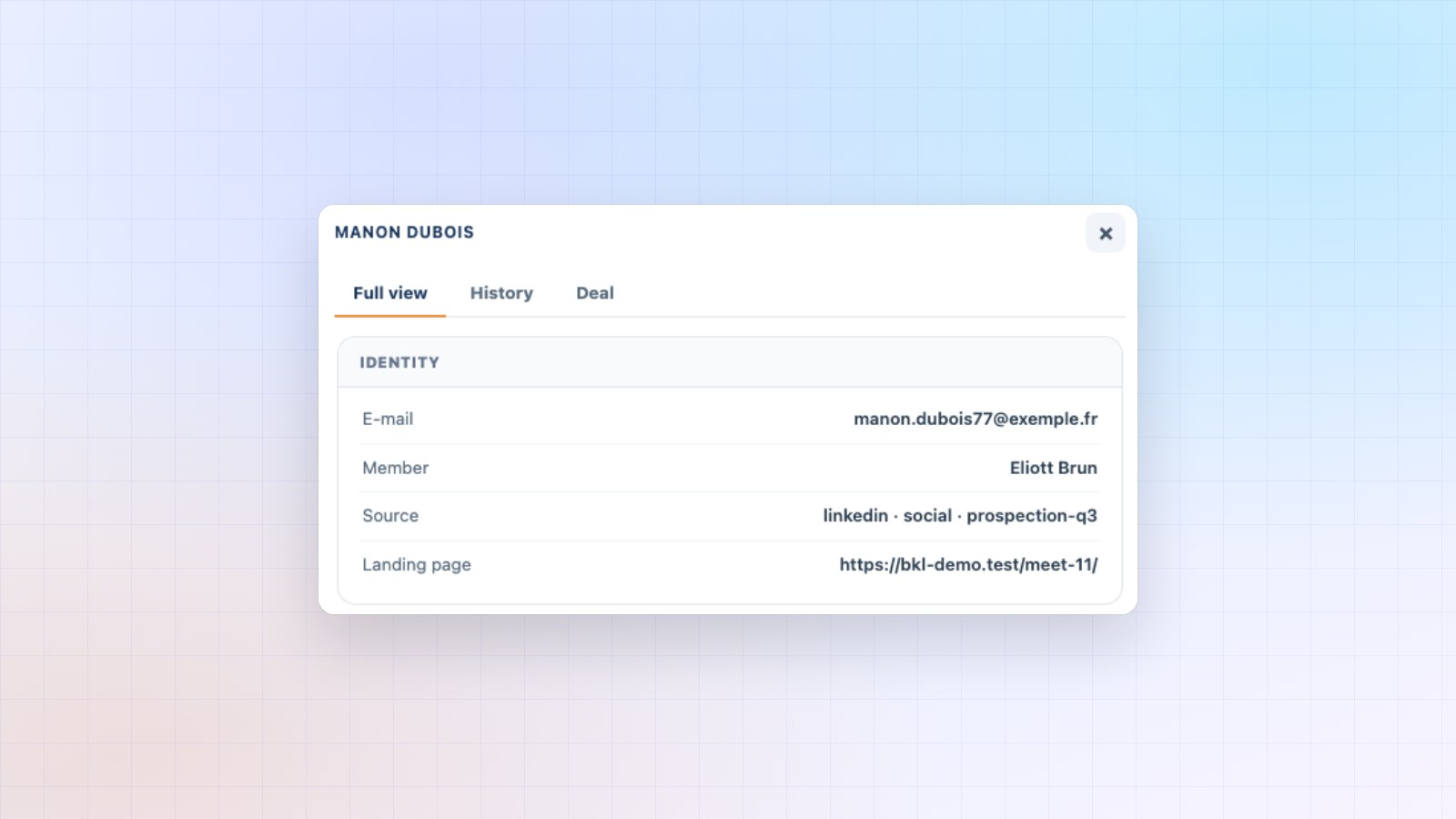
The lead’s record keeps up too. The new member and the “Handed to” line appear without reloading the page.
What was polished
- A mistyped license key shows a clear message, with the steps to follow.
- The alert in your WordPress admin tells you exactly what to check.
- The diagnostics describe each CRM sending issue in one plain sentence.
- The link to leave the setup wizard now reads “Exit setup”.
How to update Booking Leads
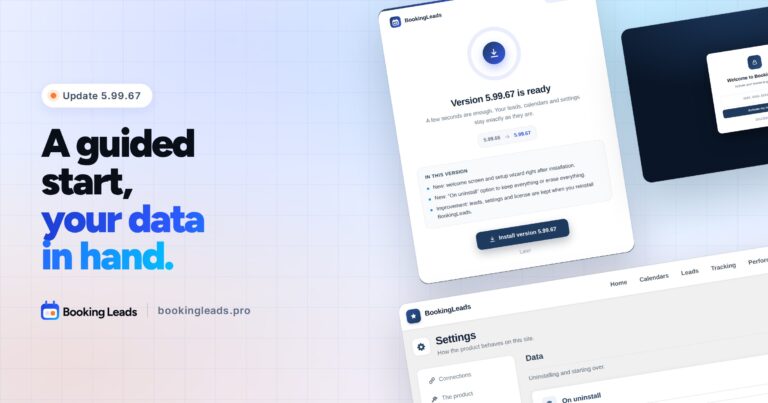
The banner appears in your WordPress admin. One click on “Update now”, and you’re done.
This time, the update installs on the new screen, in one click.
Your license, calendars, leads and statistics are kept. Your current CRM stays connected: a new CRM only receives your leads if you choose it.
Your CRM, fed with qualified leads
You chose your CRM for its campaigns and automations. Booking Leads brings it qualified contacts, from the very first visit.
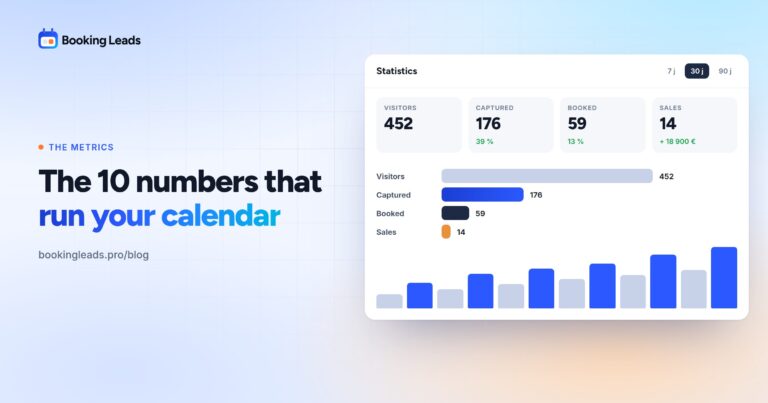
Out of 100 visitors, 13 book. With the access screen, you keep 39. Three times more contacts in your CRM, with the same traffic.
New to Booking Leads? Why I built Booking Leads tells the story behind it, and the 12 things Booking Leads does gives you the full tour. The Founder offers are on the home page.
Your questions about 5.99.76
Which CRMs receive my leads?
FluentCRM, FunnelKit, Groundhogg and Jetpack CRM, natively. Every other tool, by webhook.
Do I need the paid version of my CRM?
The free versions are enough. We tested FunnelKit, Groundhogg and Jetpack CRM in their free version.
My site already uses FluentCRM. What does the update change?
Your setting stays as it is. Your leads keep arriving in FluentCRM. Another CRM only takes over if you choose it.
Is the update included in my license?
Yes. Every update is included in your Booking Leads license.
How much does Booking Leads cost?
The price follows the number of sites, never the number of reps. All the offers are on the pricing page.