
A booking page looks simple. A calendar, some slots, a button.
Then the months go by. The calendar fills up poorly. Strangers take up hours for nothing. Others don’t show up. And you don’t know why.
Here are the ten problems I see most often. They’re not your fault. And each one has a fix.

In this article
The ten problems, one by one
1. The visitor closes the page at the slot grid
The symptom. Lots of visits to your booking page. Few meetings.
The cause. The calendar shows the slots before asking who you are. Whoever hesitates leaves without a trace.
The fix. Reverse the order. Ask for the contact first, then open the grid. It’s the only fix there is, and calendars don’t do it on their own.
2. Tire-kickers block your best hours
The symptom. The calendar is full. Revenue doesn’t follow.
The cause. Your link is open to everyone. The curious, the student, the competitor: nothing stops them.
The fix. Three questions before the slots. Budget, timing, situation. Whoever doesn’t match your criteria doesn’t see the grid.
3. The no-show, or the ghost meeting
The symptom. The slot is booked. Nobody logs in.
The cause. Booking costs nothing. Someone with little commitment books as easily as they forget.
The fix. Turn on your calendar’s reminders: every calendar can do it. And ask for a slightly demanding form. Effort sorts people better than any follow-up.
4. The meeting lands with the wrong person
The symptom. A rep spends an hour on a file that isn’t theirs.
The cause. The calendar assigns the first person available. It knows nothing about the prospect when it chooses.
The fix. Assign by answers, not by time. The “key account, industrial sector” file goes to the rep who handles those files.
5. Empty mid-week slots
The symptom. Monday and Friday are full. Tuesday stays empty.
The cause. People book the first slot they see. Your grid always shows the same ones first.
The fix. Deliberately offer fewer slots. A wide-open grid gives the impression that nobody comes. A tighter grid fills up better.
6. The follow-up you never write
The symptom. You tell yourself “I’ll call them back”. You don’t.
The cause. Nothing reminds you. The file has no next-action date and no place to live.
The fix. A next-action date on every file. With a date, a file gets followed up instead of forgotten.
7. You don’t know where it breaks
The symptom. Meetings are dropping. You don’t know at which step.
The cause. Your calendar counts the meetings booked. It never counts the ones that weren’t. The denominator is missing.
The fix. Measure every step: page viewed, form opened, form completed, slot chosen. With these four numbers, you fix the right step at the first attempt.
8. The form is too long
The symptom. People start filling it in, then stop.
The cause. A field was added every time some information was missing. Nobody ever took one out.
The fix. Three questions, not ten. A question earns its place if its answer changes what you do next. Otherwise, it goes.
9. The time zone gap
The symptom. A client logs in at 3 pm. You expected them at 9 am.
The cause. The site’s time zone, the browser’s and the account’s don’t say the same thing.
The fix. Show the time zone next to the slot, spelled out in full. And repeat it in the confirmation email.
10. The double booking
The symptom. Two people have the same slot.
The cause. Your booking page doesn’t know about your personal calendar. A meeting booked elsewhere stays invisible.
The fix. Connect all your calendars to the booking tool. A slot should only open when every source shows it as free.
Five you can fix today, without buying anything
Start with these. They only cost attention.
- The no-show: turn on your calendar’s reminders. The feature is already there.
- Empty slots: tighten the grid. Fewer slots on offer, more of them booked.
- The long form: remove every field whose answer changes nothing.
- The time zone gap: spell out the time zone, everywhere.
- The double booking: connect your external calendars to the tool.
Half a day is enough for all five. Do them before you think about buying anything.
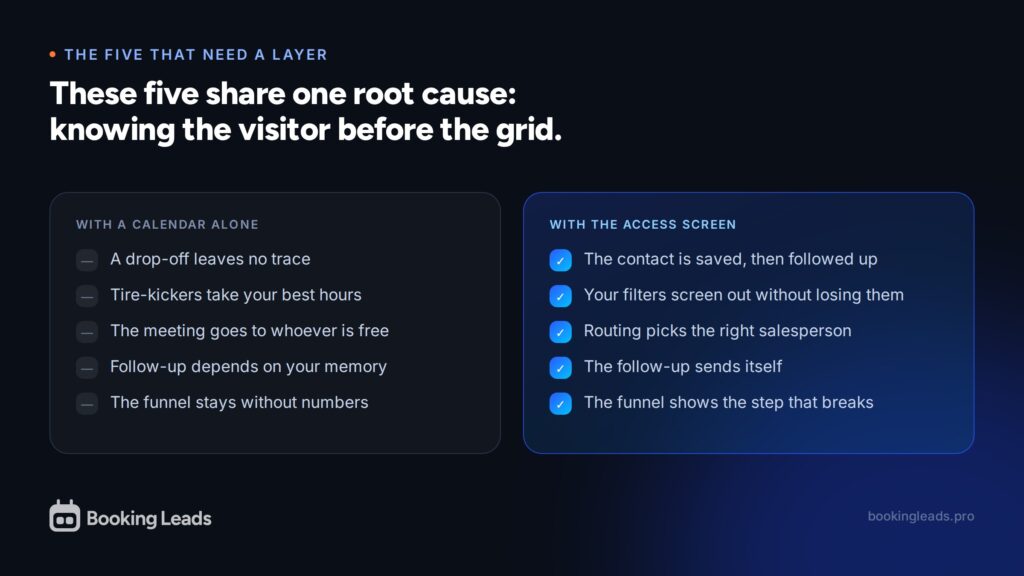
Five need an extra layer
The other five take more than a setting. Here’s why.
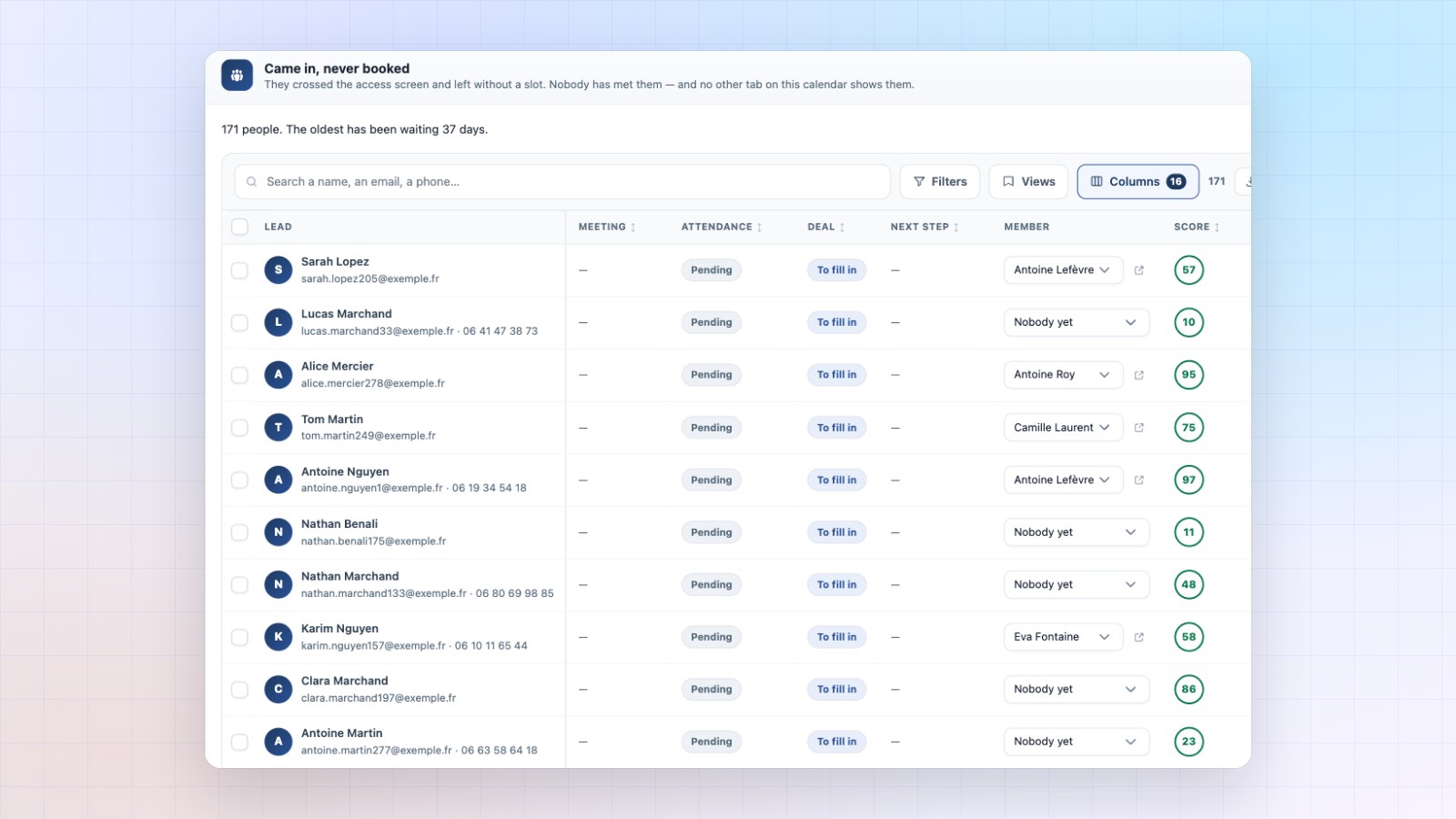
Drop-offs, tire-kickers, the wrong person, the forgotten follow-up, the missing numbers: these five share one root. They all require knowing the visitor before they pick a time.
But your calendar only knows them afterwards. That’s its very definition. It records bookings, not intentions.
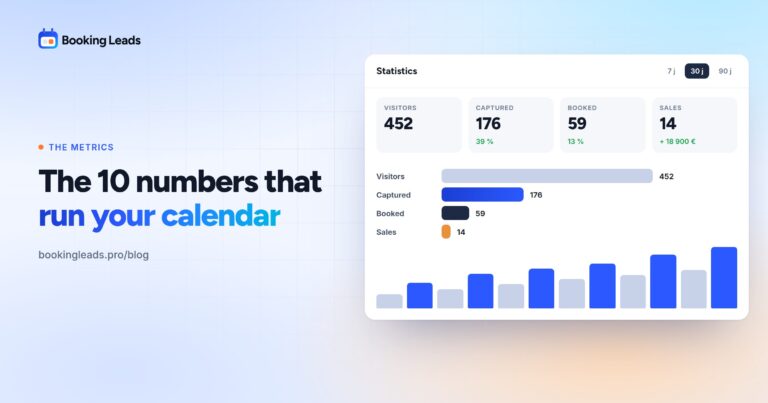
Out of a hundred visitors, thirteen go all the way. The other eighty-seven never enter any database. You paid for them in advertising, in SEO, in time spent. They leave nothing behind.
This is the invisible loss. Invisible because no dashboard shows it.
What Booking Leads fixes, in practice
Booking Leads doesn’t replace your calendar. It sits in front of it.
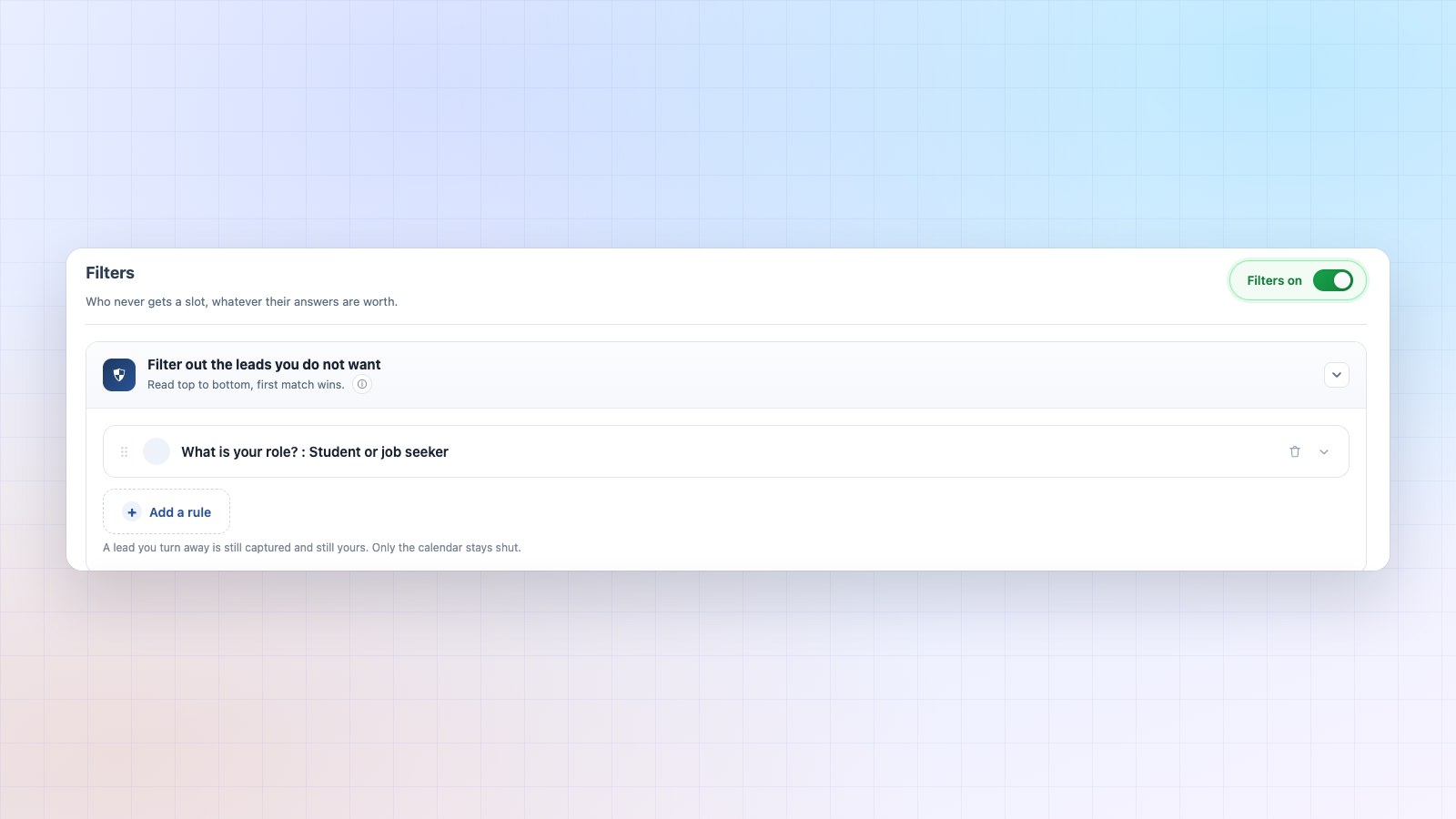
The visitor meets an access screen. Name, email, two or three questions. Then the slots open.
Let’s go back over the five problems, in order.
- Drop-offs: the contact is saved before the grid. Whoever gives up stays reachable.
- Tire-kickers: your filters close access to the slots, and you still keep the contact.
- The wrong person: routing assigns the file based on the answers, before the calendar is shown.
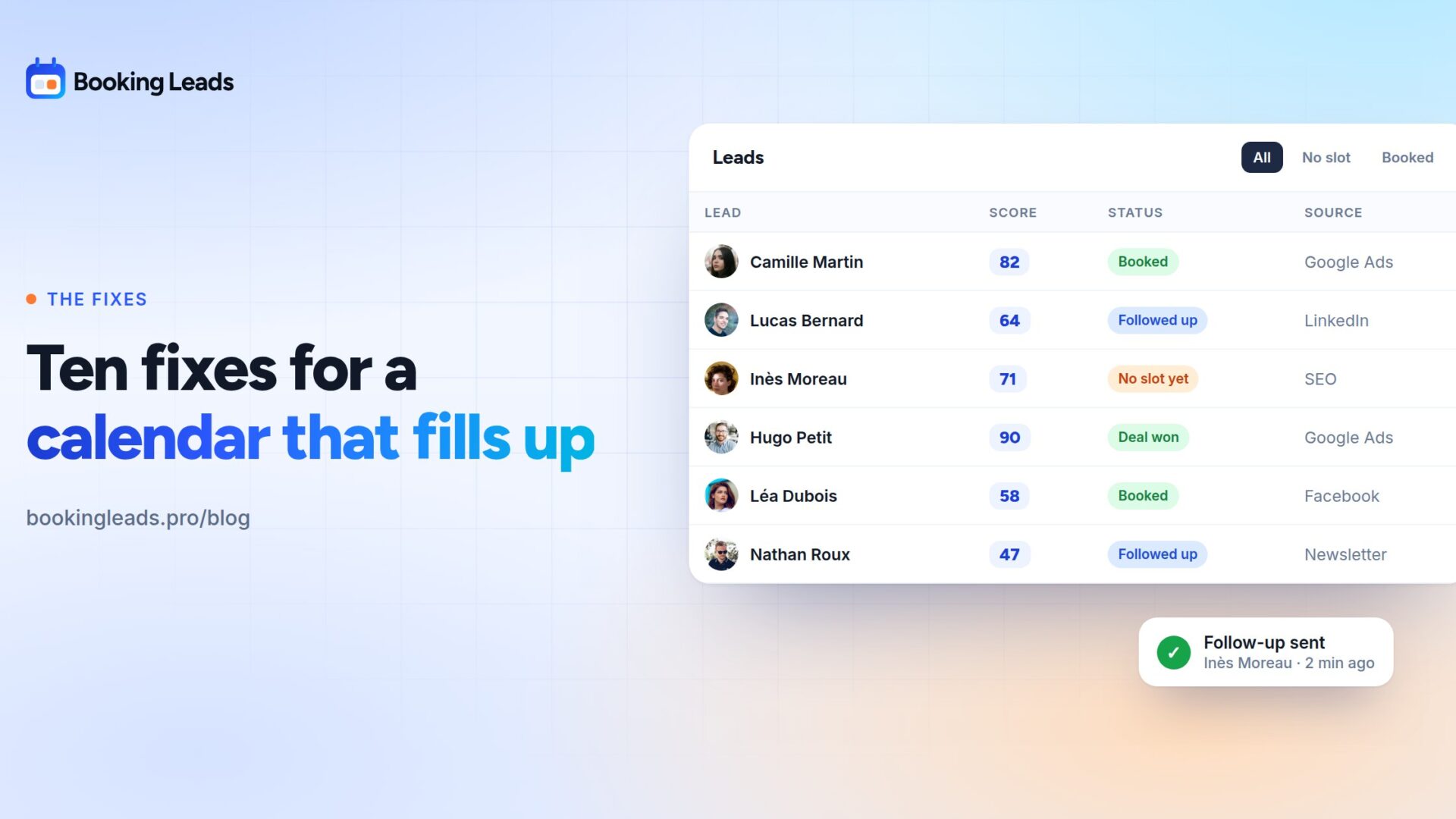
- The forgotten follow-up: every file carries a next-action date, and drop-offs receive an automatic follow-up.
- The missing numbers: the funnel shows where people stop, step by step.
Everything stays with you. Contacts live in your own site’s database, out of any vendor’s reach.
What it changes for an agency
Your clients describe these ten problems in other words. They say “the site doesn’t convert”.
With the funnel in front of you, the conversation changes. You show the exact step where people stop. You propose a fix, you measure it, you bill for it.
The same layer sits on all their sites, whatever their booking plugin. Multi-site licences cover several clients, and white label puts your name in their admin.
Ten problems, and the plan to fix them
You leave with two lists. Five problems can be fixed tonight, at zero cost: reminders, a tighter grid, a shorter form, the time zone on display, calendars connected.
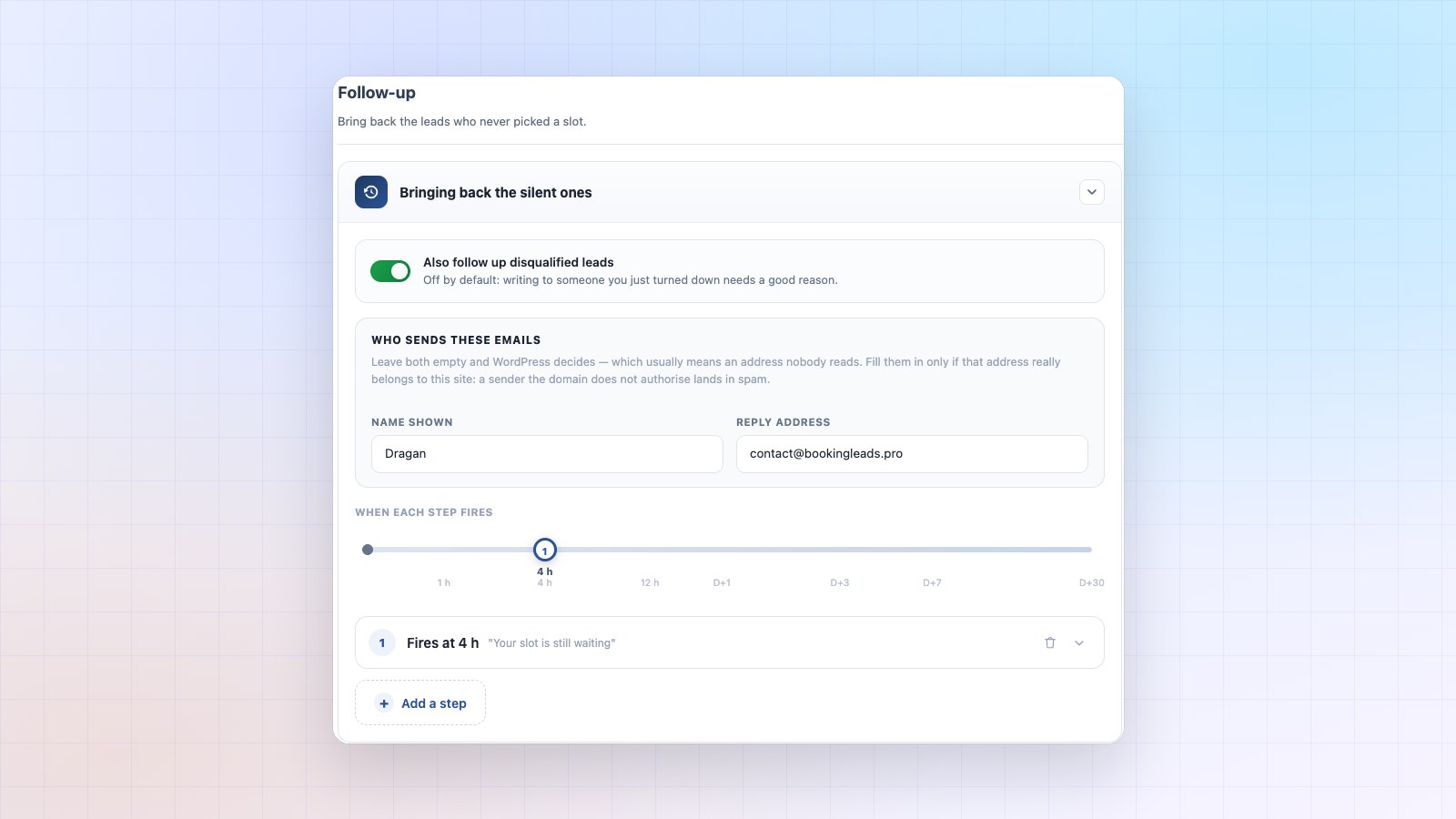
The other five are fixed in one go, because they share the same root. Knowing the visitor before they pick a time changes everything: the drop-off becomes a contact, the tire-kicker steps aside, the file goes to the right person, the follow-up goes out on its own, and the funnel finally points to the step to improve.
You see the benefit from the first month. Visitors who used to leave without a trace become a list you can work, with their answers and their score.
Put a figure on it with your own numbers in the calculator on the home page, then look at the lifetime offers: a single payment, team accounts included.
What people ask me most about these problems
Why don’t my visitors book a meeting?
Most often because they hesitate in front of the slot grid. The times don’t suit them, or they want to think it over. Capturing their contact first keeps them within reach, even when they leave.
How do I avoid no-shows?
Turn on your calendar’s reminders, and ask for a little effort at booking time. A form with two or three questions screens out impulse bookings, while real clients book as easily as ever.
How do I screen prospects before a meeting?
Ask two or three questions before the slots are shown, then make access depend on the answers. Whoever doesn’t match your criteria doesn’t see the grid, and their contact stays saved.
Why does my calendar fill up poorly mid-week?
Because most people take the first slot they see. A grid that’s too wide scatters bookings and looks empty. Offering fewer slots often fills the calendar better.
How do I know where my prospects drop off?
Measure four steps: page viewed, form opened, form completed, slot chosen. A calendar alone only gives you the last one. The four together show you exactly where to act.
How do I avoid double bookings?
Connect all your calendars to the booking tool, personal ones included. A slot should only open when every source shows it as free.
How many questions should I ask before a meeting?
Two or three. A question earns its place if its answer changes what you do next: accept, decline, or send the lead to someone else. Keep only those, and the form stays short.